 Coming soon
 Android: in development
From single notes to progressions
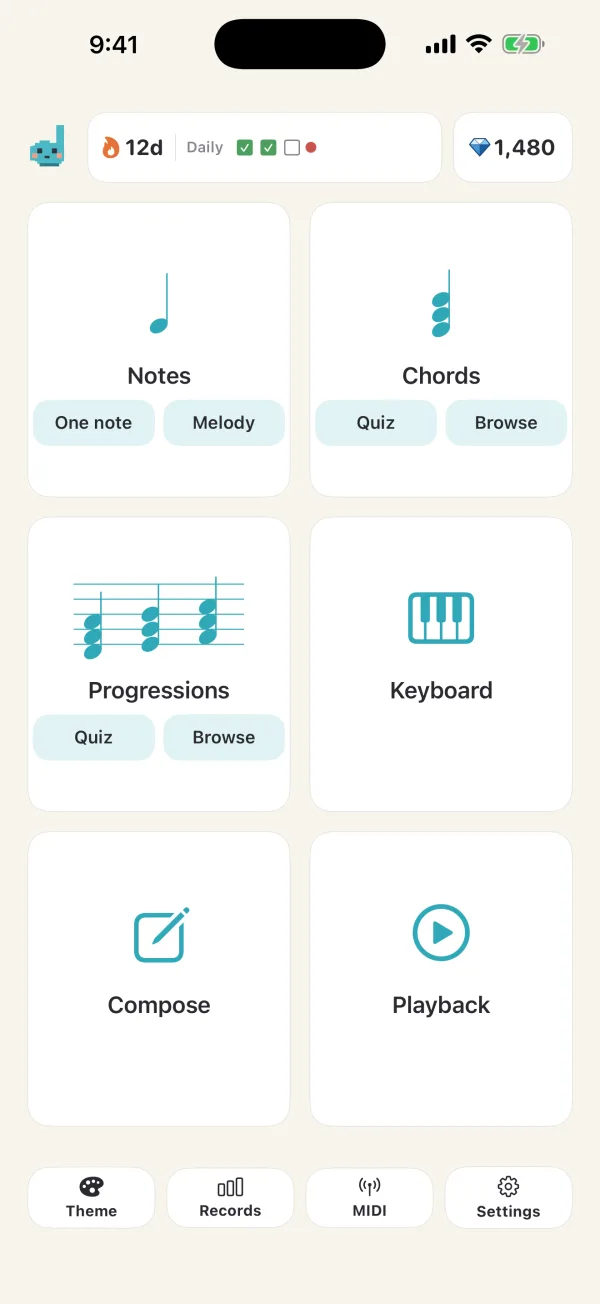
Build your ear step by step with quizzes for notes, short melodies, chords and chord progressions.
 Dorebit
EAR TRAINING · PLAY · CREATE
Listen, answer, and check with a sung solfège note. Dorebit connects ear training—from single notes and chord progressions—all the way to making music.
Available for iPhone and iPad. The Android version is in development.
5 NOTE CHALLENGE
Identify five notes and discover your musical-ear title. You can play the keyboard freely before you begin.
EAR CHECK
5-note challenge
English solfège uses the UTAU voicebank “Hitsune Kumi” by Cubialpha. The samples have been edited for pitch, length and volume.
Voice creditTurn music theory into something you can hear.
LISTEN. ANSWER. GROW.
Build your ear step by step with quizzes for notes, short melodies, chords and chord progressions.
Hear the correct note sung in solfège, helping the sound and its name stick together.
Check notes on the built-in keyboard or connect a Bluetooth MIDI keyboard.
Scores, accuracy, mastery maps and daily practice reveal what to work on next.
Bring in a melody, refine its notes, add accompaniment and turn ear training into music making.
MODES
Here is what you can do in each mode.
Hear a single note and answer on the keyboard. The range and level widen step by step.
When you're right, the note is sung back in solfège, so the sound and its name stick together.
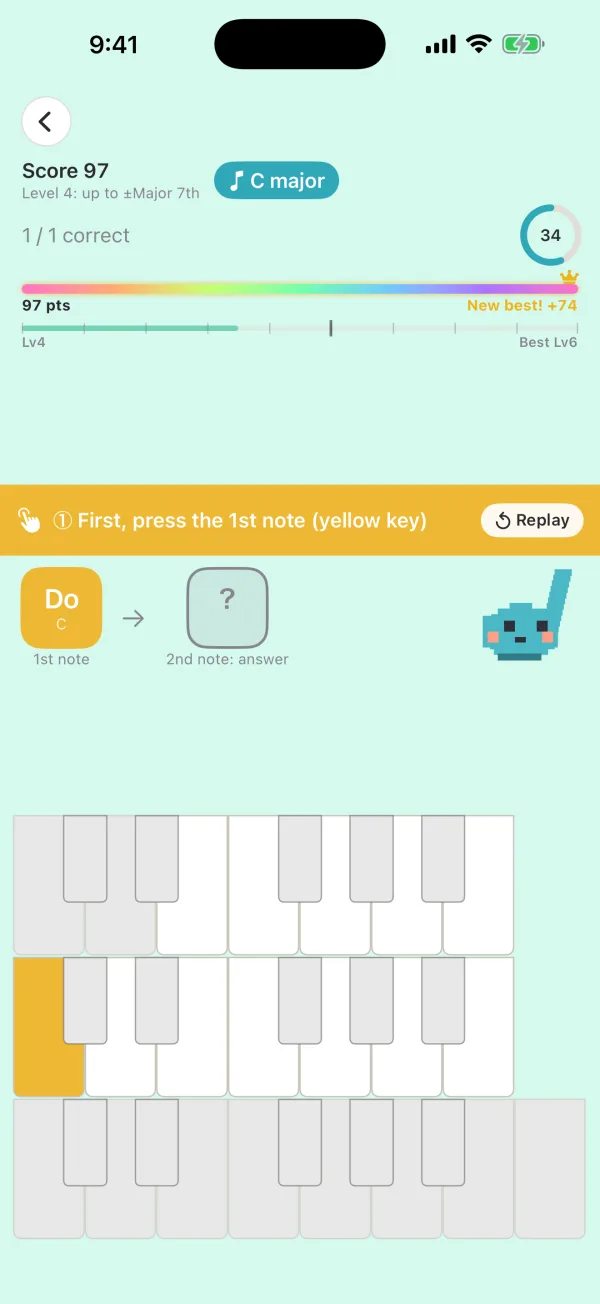
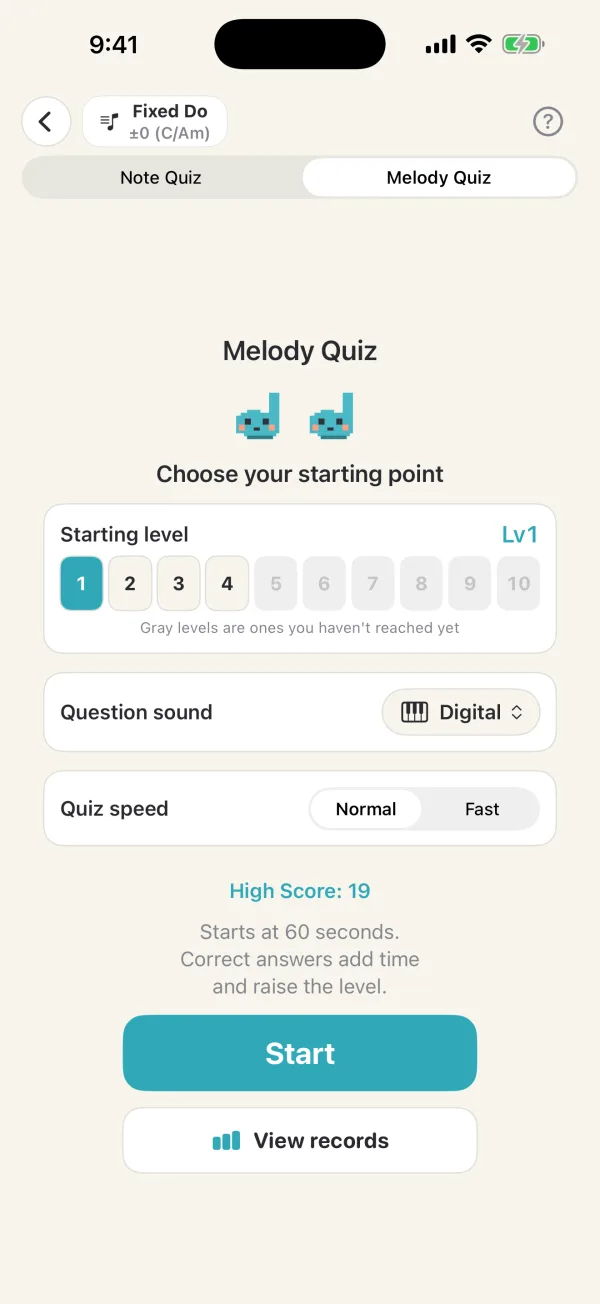
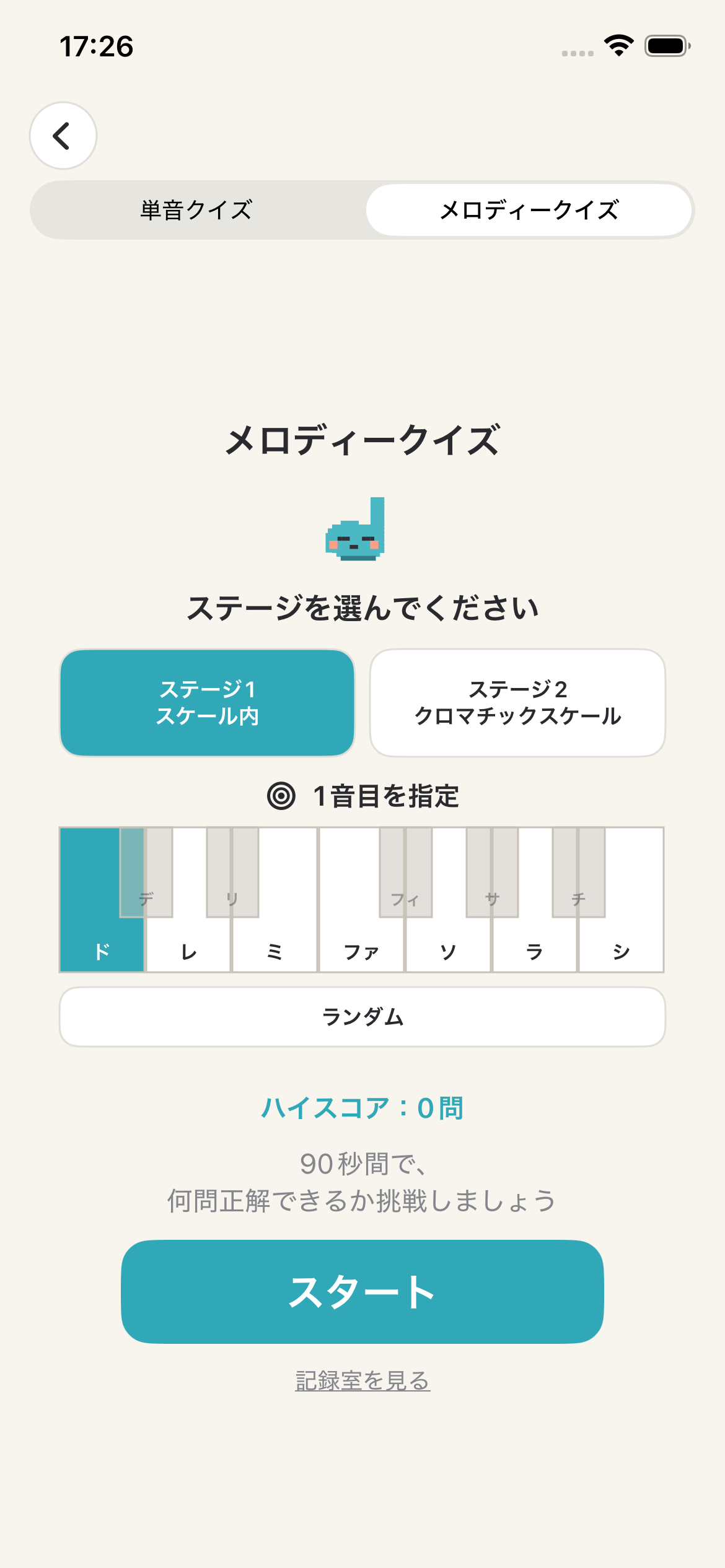
Listen to a short melody and play it back in order. Pick the level of the starting note, so you can begin with notes you already know.
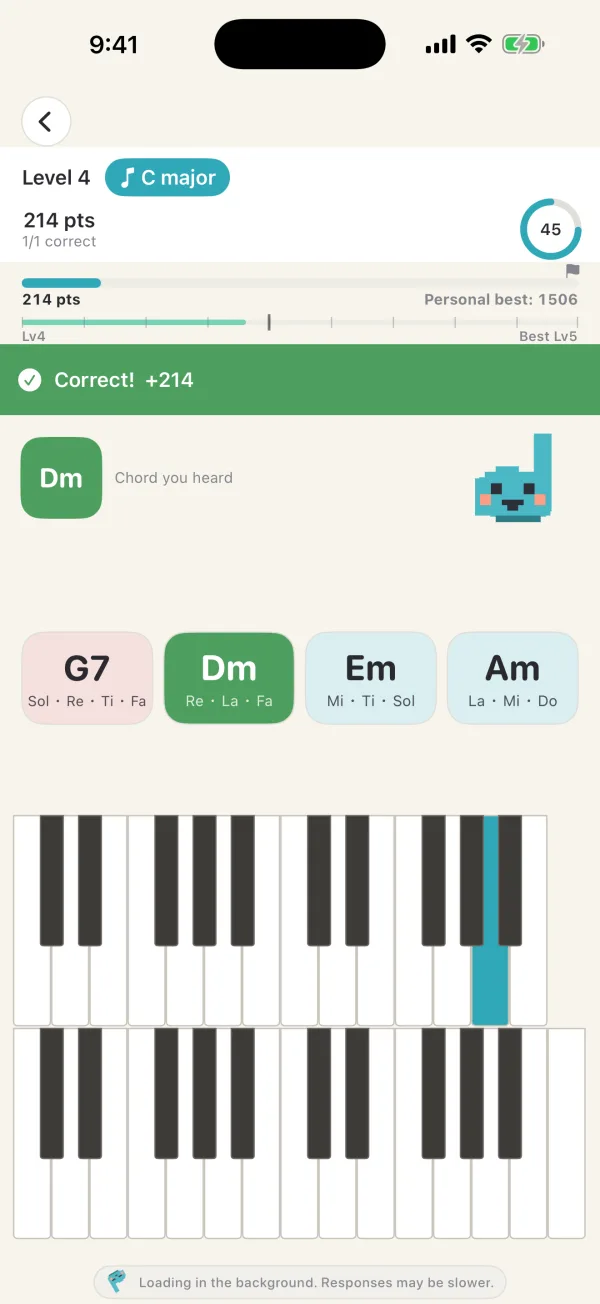
Hear a chord and choose its name from four options. Each option also shows its notes, so you learn how it sounds and what it's made of.
Hear a chord progression and put the chords in order. Start with progressions common in pop music, then move on to more complex ones.
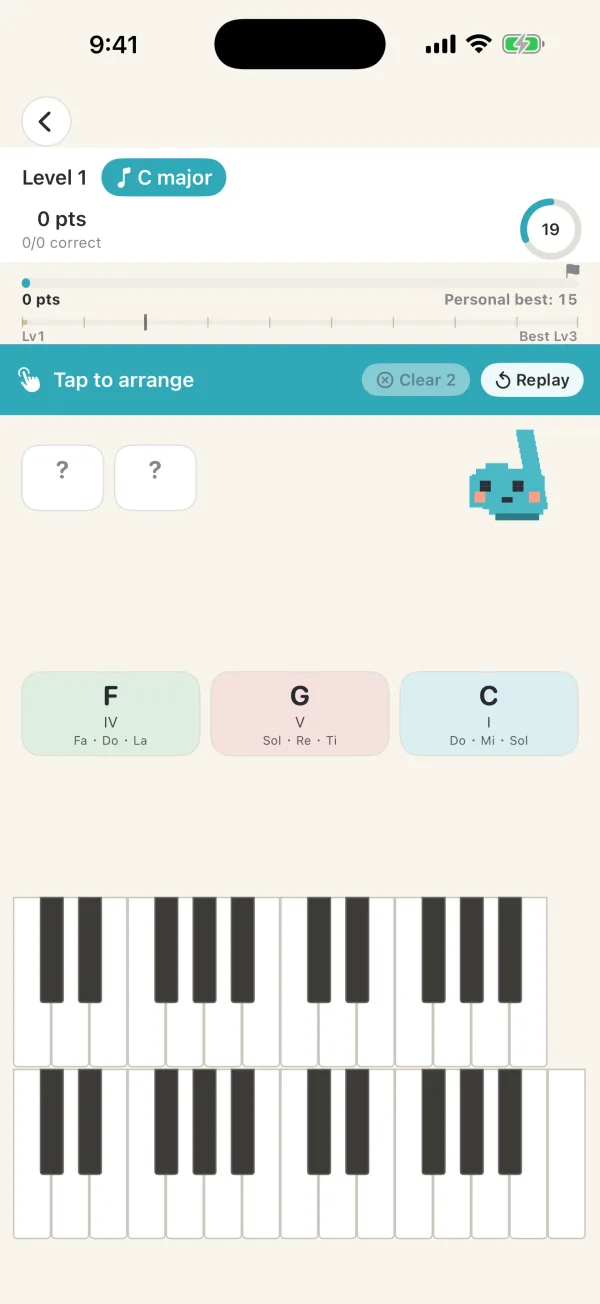
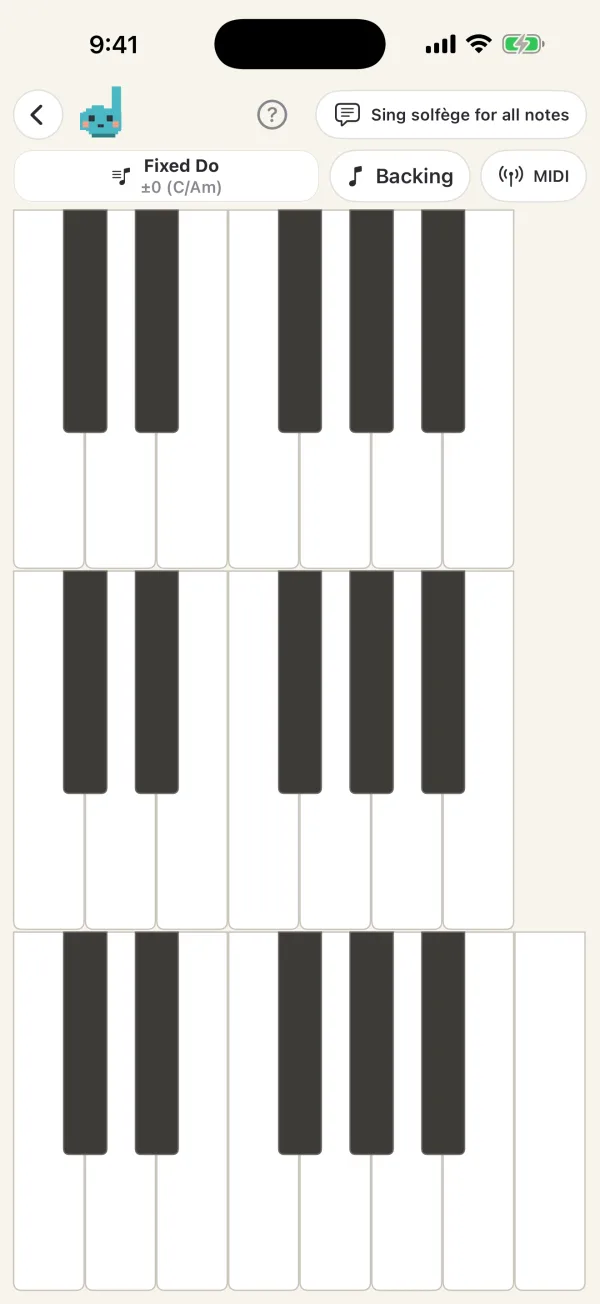
A keyboard you can play any time. Connect a Bluetooth MIDI keyboard to use your own, and add a chord-progression backing to play along.
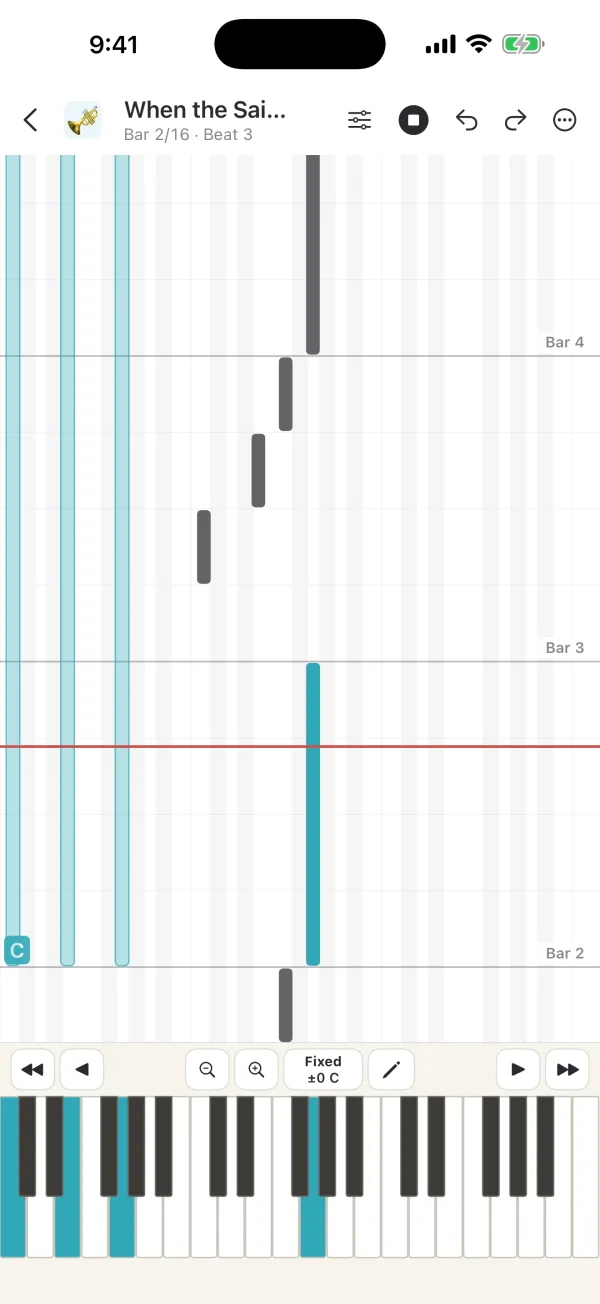
Hum a melody or play music, and the app analyzes its melody, tempo and chords on your device and turns it into a song. Fix the notes, add lyrics and chords, and play it with accompaniment.
Save the result as a vertical or horizontal video to Photos (MIDI, MusicXML and WAV export are supported too).
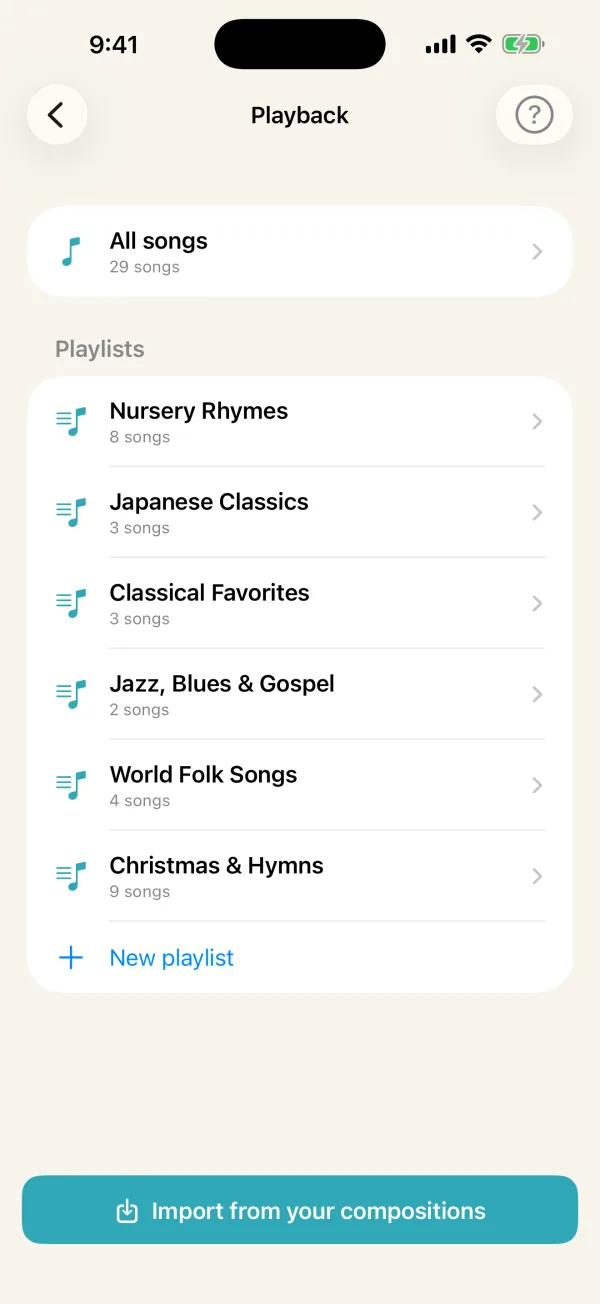
Listen to the built-in songs (children's songs, classics, gospel, world folk, Christmas and more) in genre playlists. Add your own songs and play them like a music player.
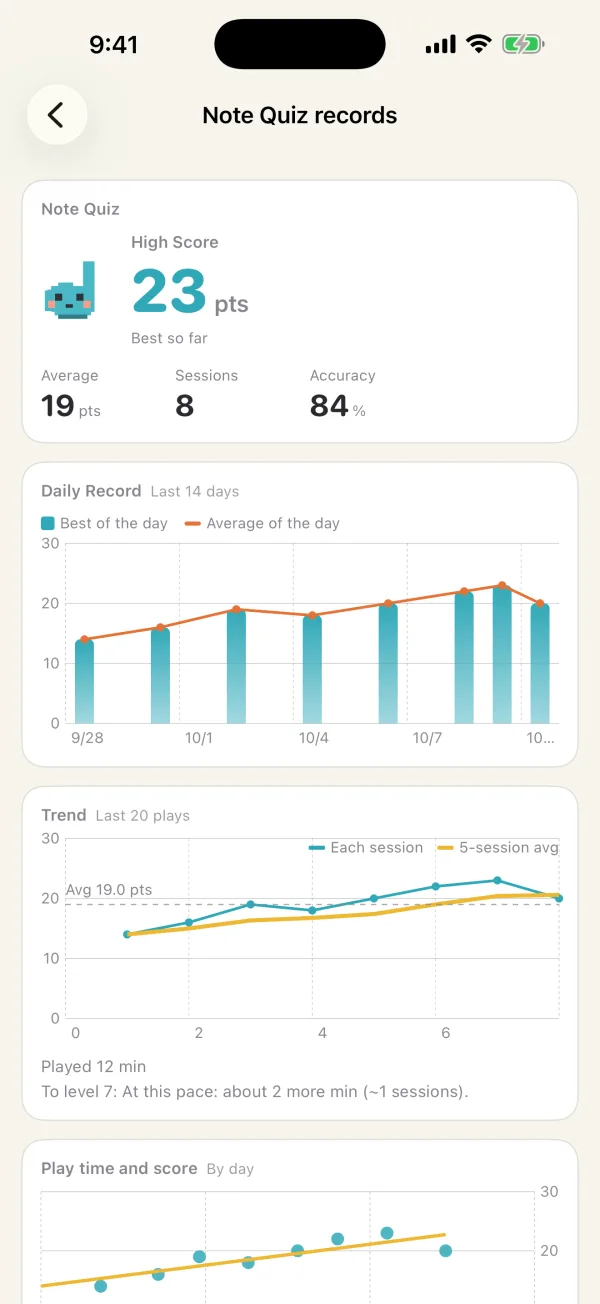
High scores, accuracy and a mastery map show which notes need work. Today's 4 Questions and streak rewards turn practice into a habit.
MADE FOR DAILY PRACTICE
Start with a quick quiz, then move on to melodies and progressions. Choose the key and naming system that suit you.
COMING SOON
Dorebit is getting ready for the App Store. The Android version is in development.
Try the single-note quizContact us